See AILabAssistant in action

Explore the interface across modules — from LIMS and inventory tracking to AI-assisted workflows, compliance & audit trail, biotech / InSilico tools, and lab administration with roles, permissions and guided setup. Click any thumbnail to view it full-screen.

LIMS & Inventory
AI-Powered Features
Compliance & Audit Trail
Biotech & InSilico
Apply For Free Demo Now

See it running in your own lab environment

LIMS & Inventory Tracking

Track samples, reagents and consumables with powerful filtering and live status views across your lab.
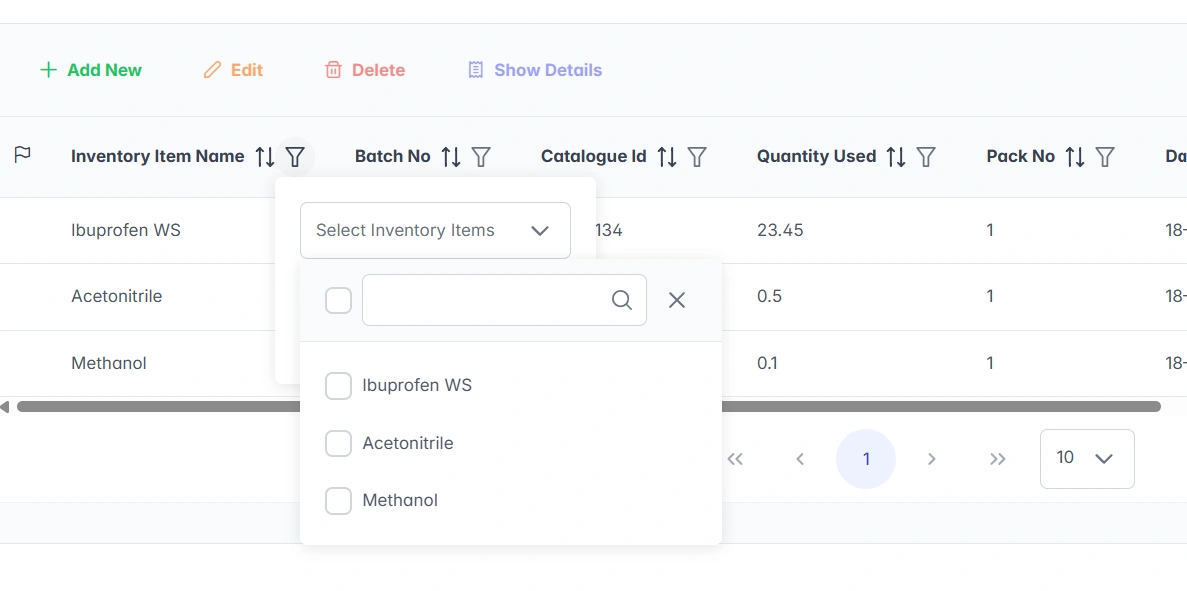
Inventory filtering interface in AILabAssistant
Filter and search inventory across the lab
Inventory status dashboard in AILabAssistant
Live inventory & sample status at a glance
AILabAssistant general interface screenshot
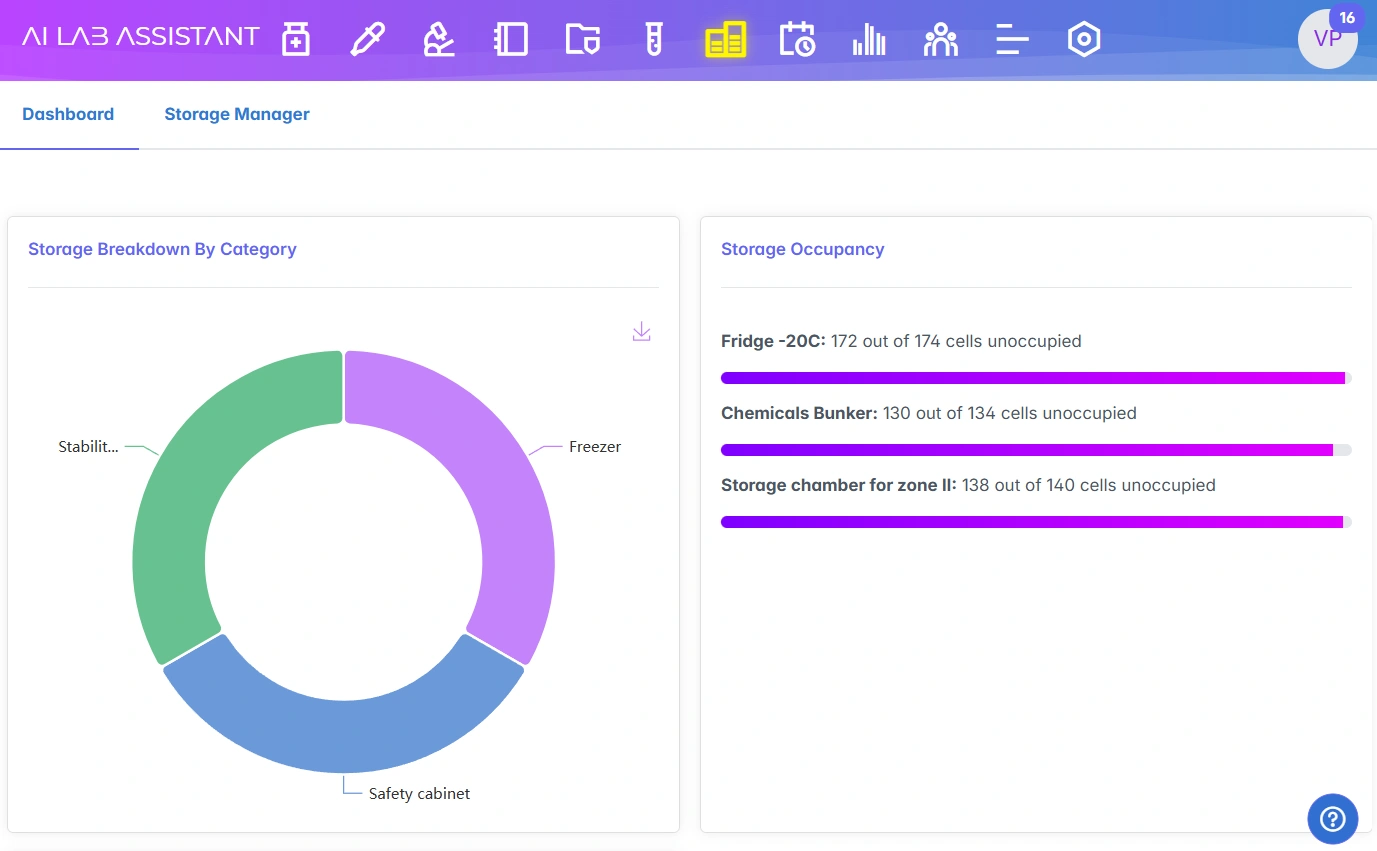
Stability module dashboard
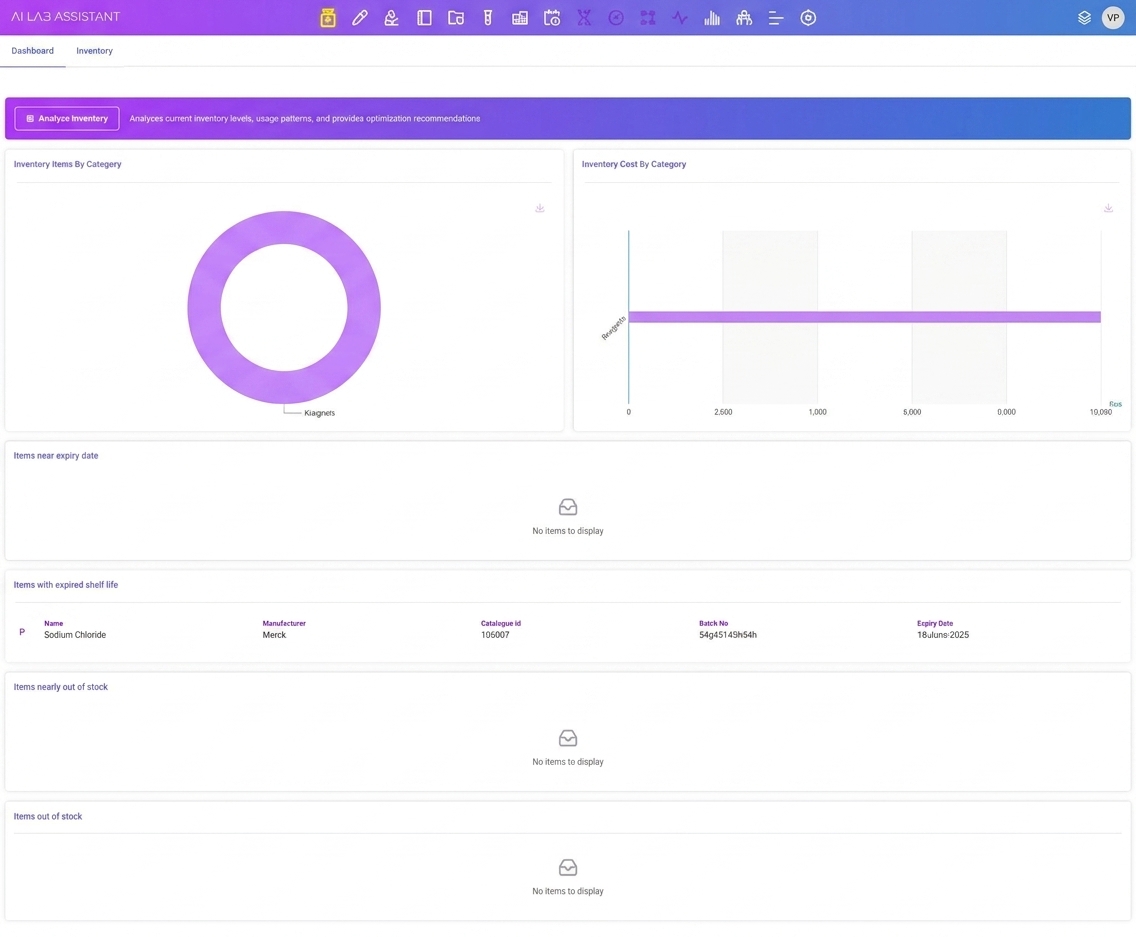
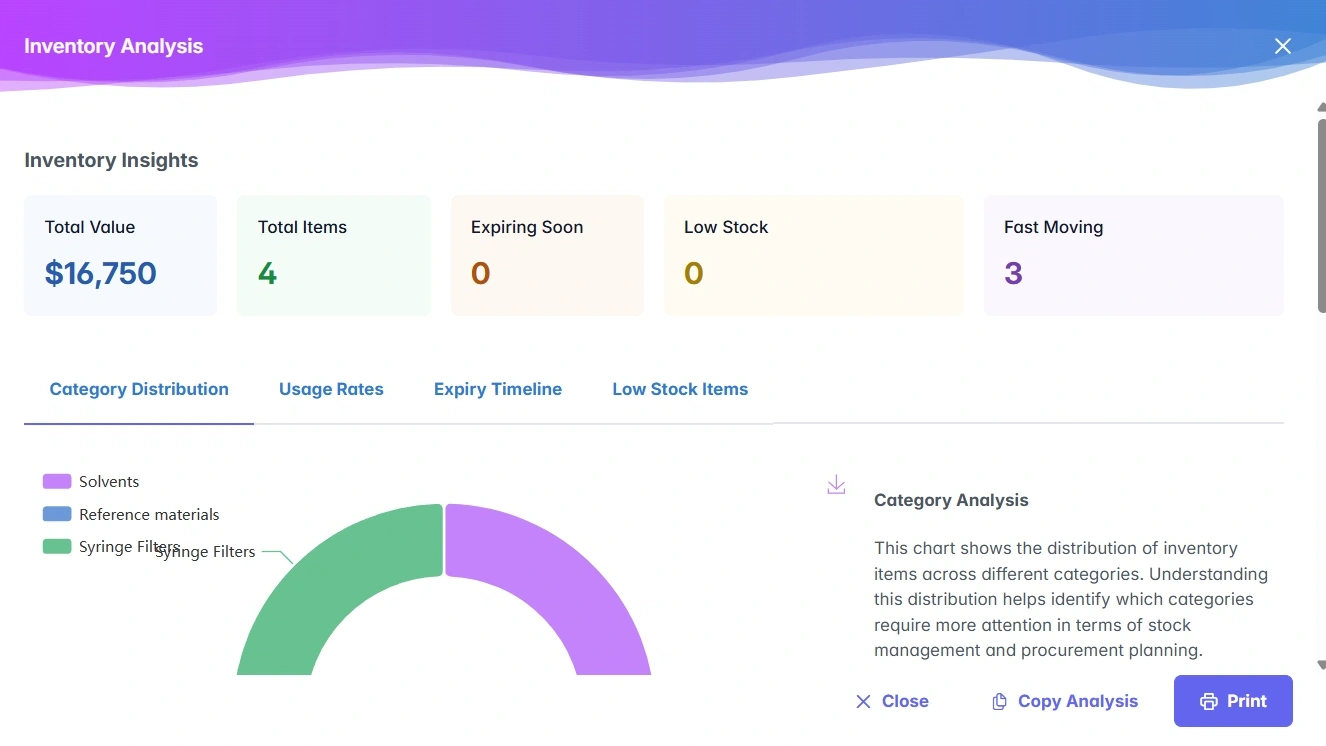
Inventory dashboard with category and cost charts in AILabAssistant
Inventory dashboard — items, costs & expiry at a glance
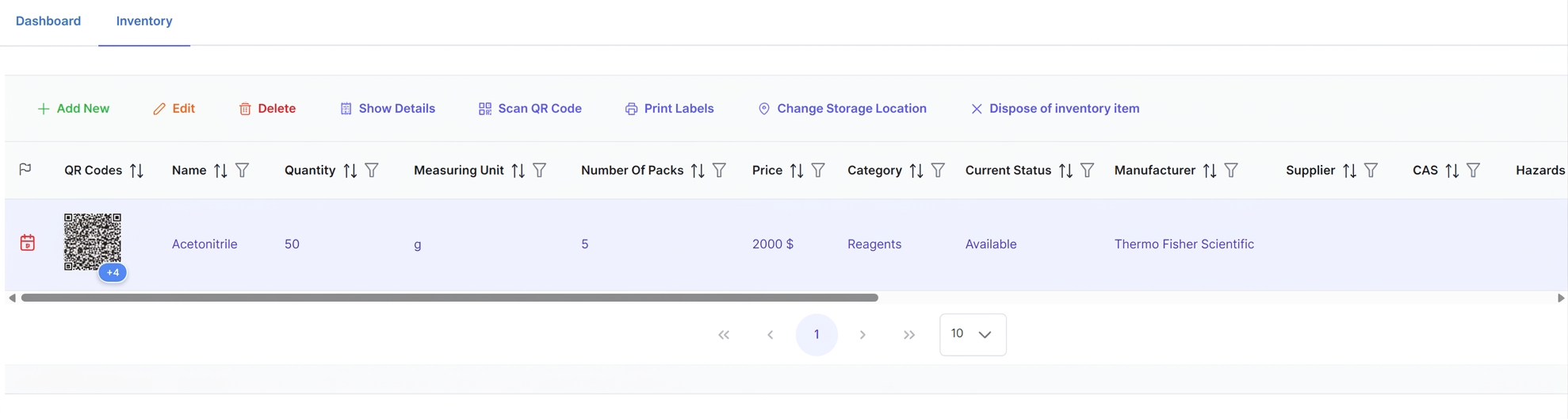
Inventory items table with scan, print and location actions in AILabAssistant
Item list — scan QR, print labels & manage locations
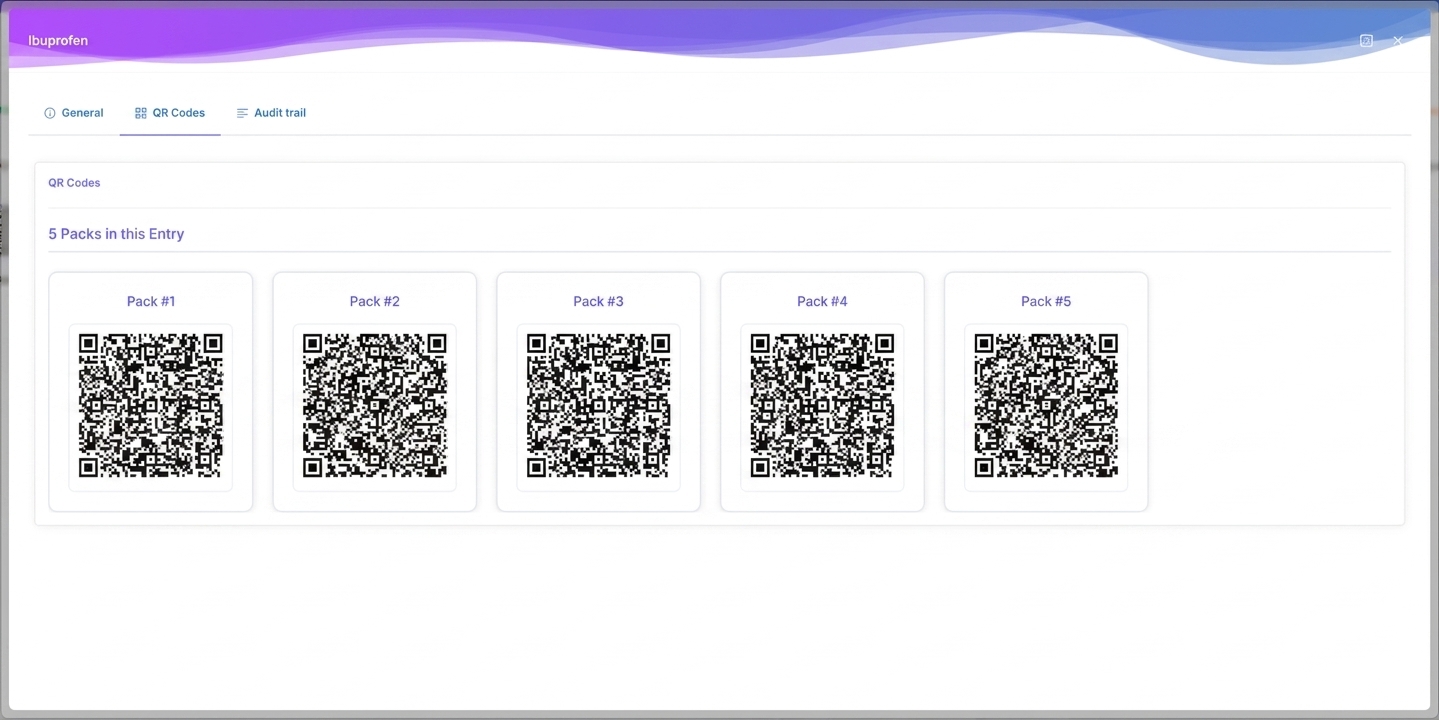
QR codes generated per pack for a reagent in AILabAssistant
Per-pack QR codes for traceable reagents
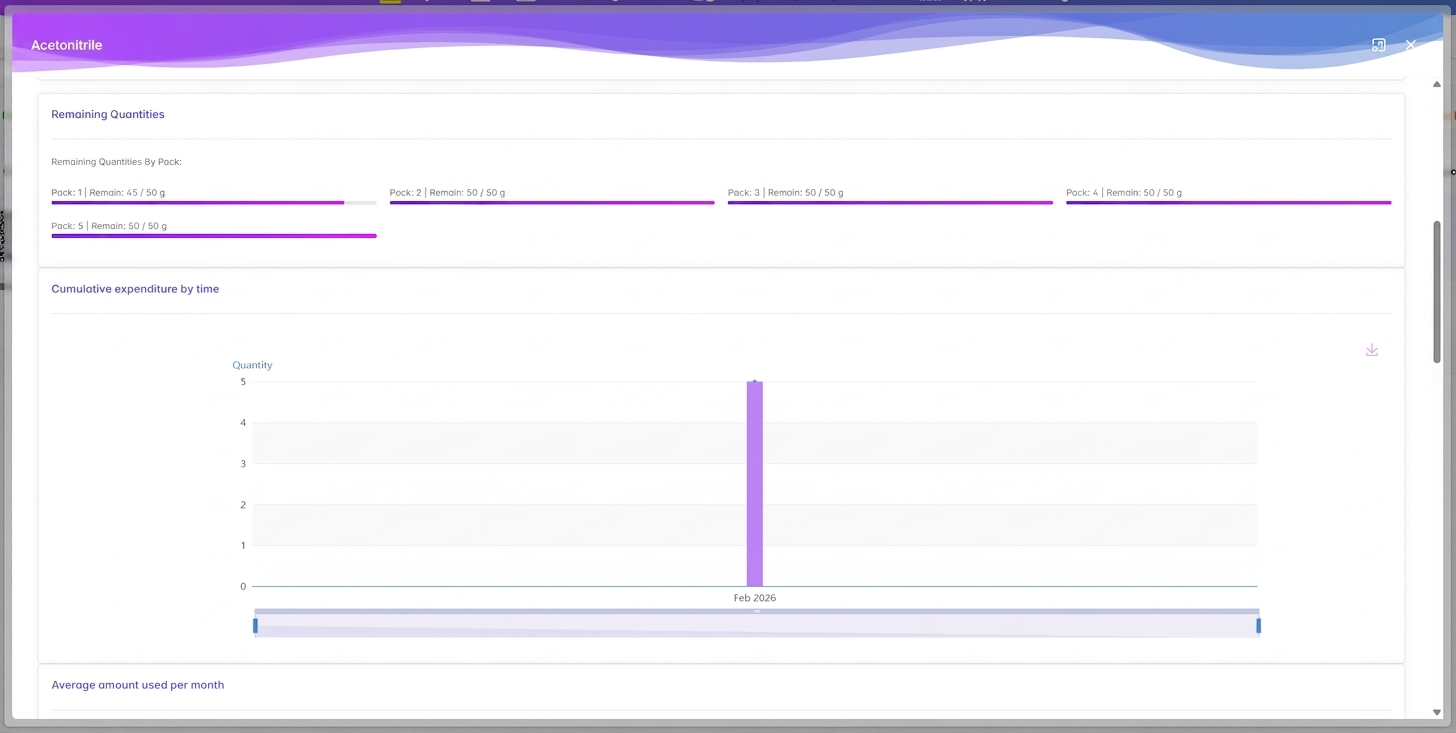
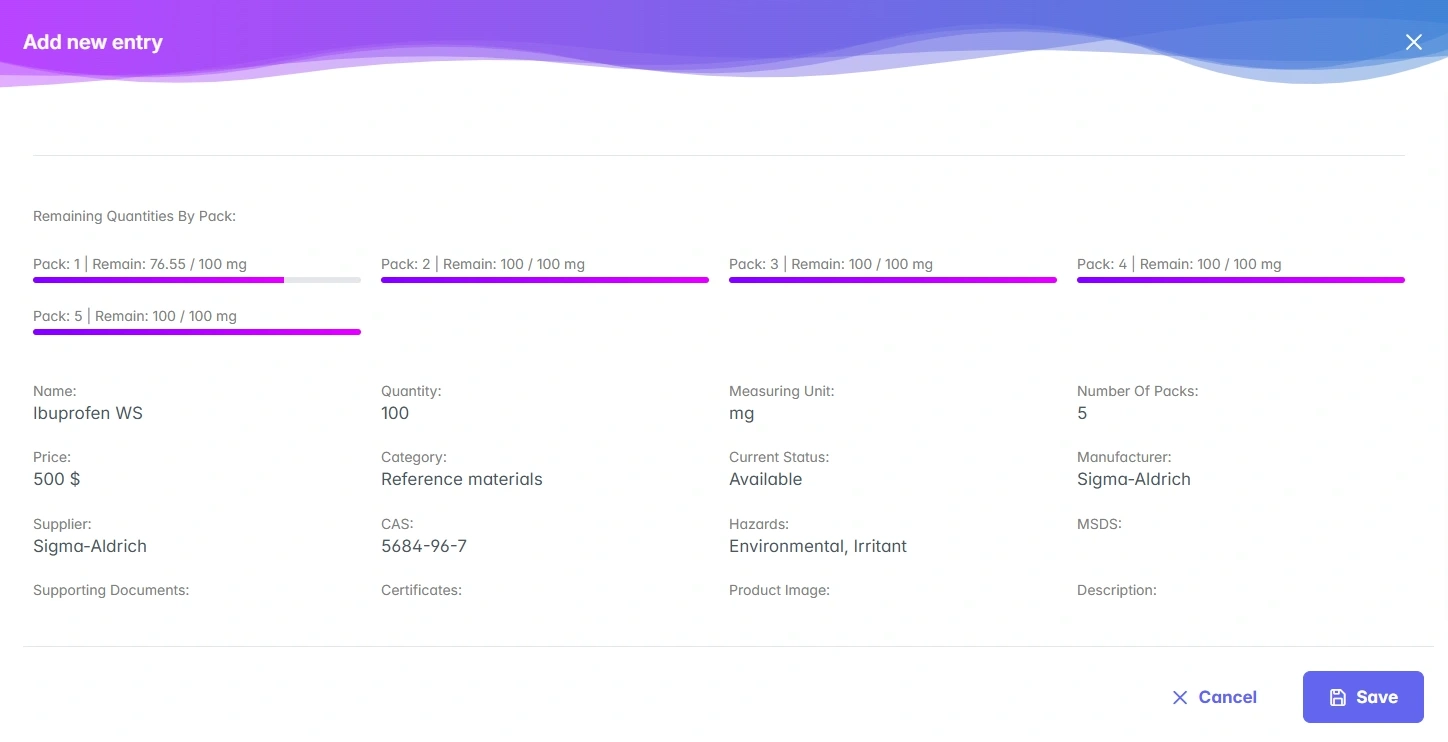
Item detail view showing remaining quantities by pack and expenditure over time in AILabAssistant
Per-item analytics — stock levels & usage trends

AI-Powered Features

Intelligent assistance built into your workflow — smarter suggestions, faster data entry and automated insights.
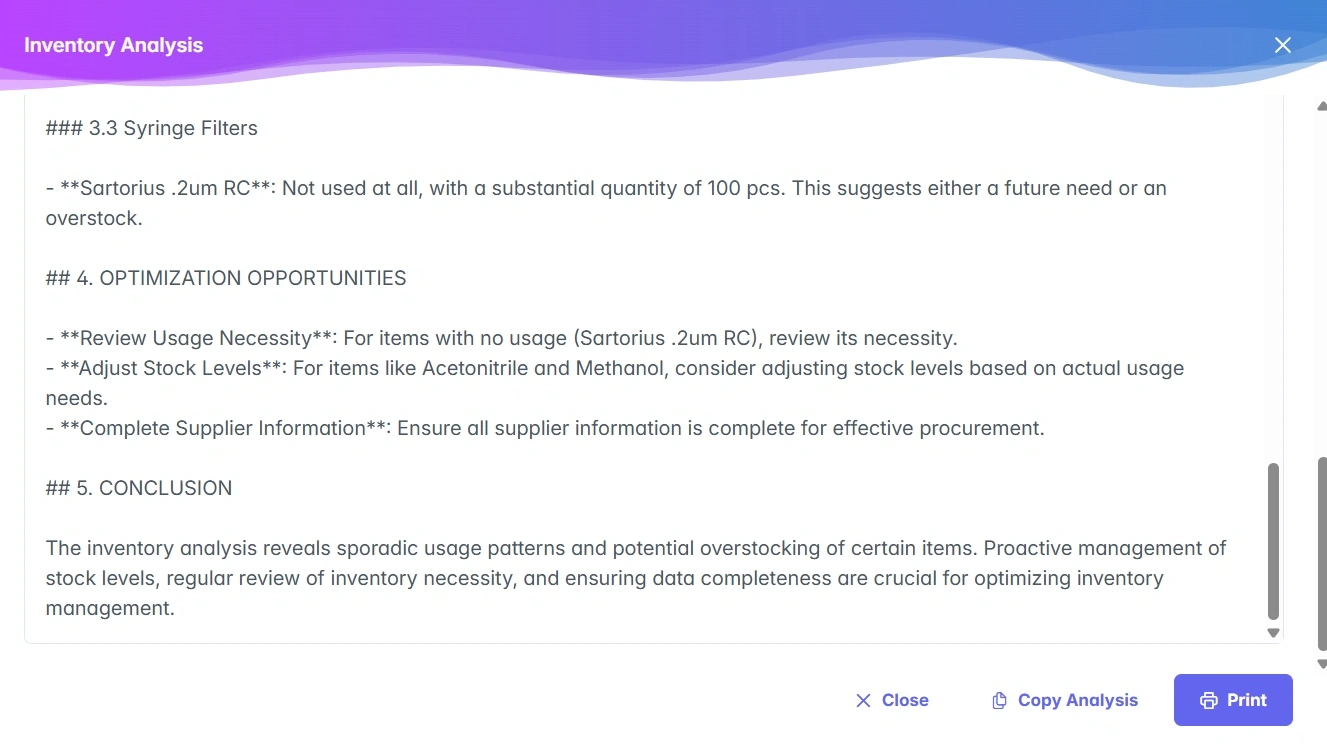
AI-assisted inventory feature in AILabAssistant
AI assistant for inventory workflows
AI-assisted feature detail in AILabAssistant
Contextual AI suggestions

Compliance & Audit Trail

CFR 21 Part 11 compliant electronic records with a complete, tamper-evident audit trail and digital logbooks.
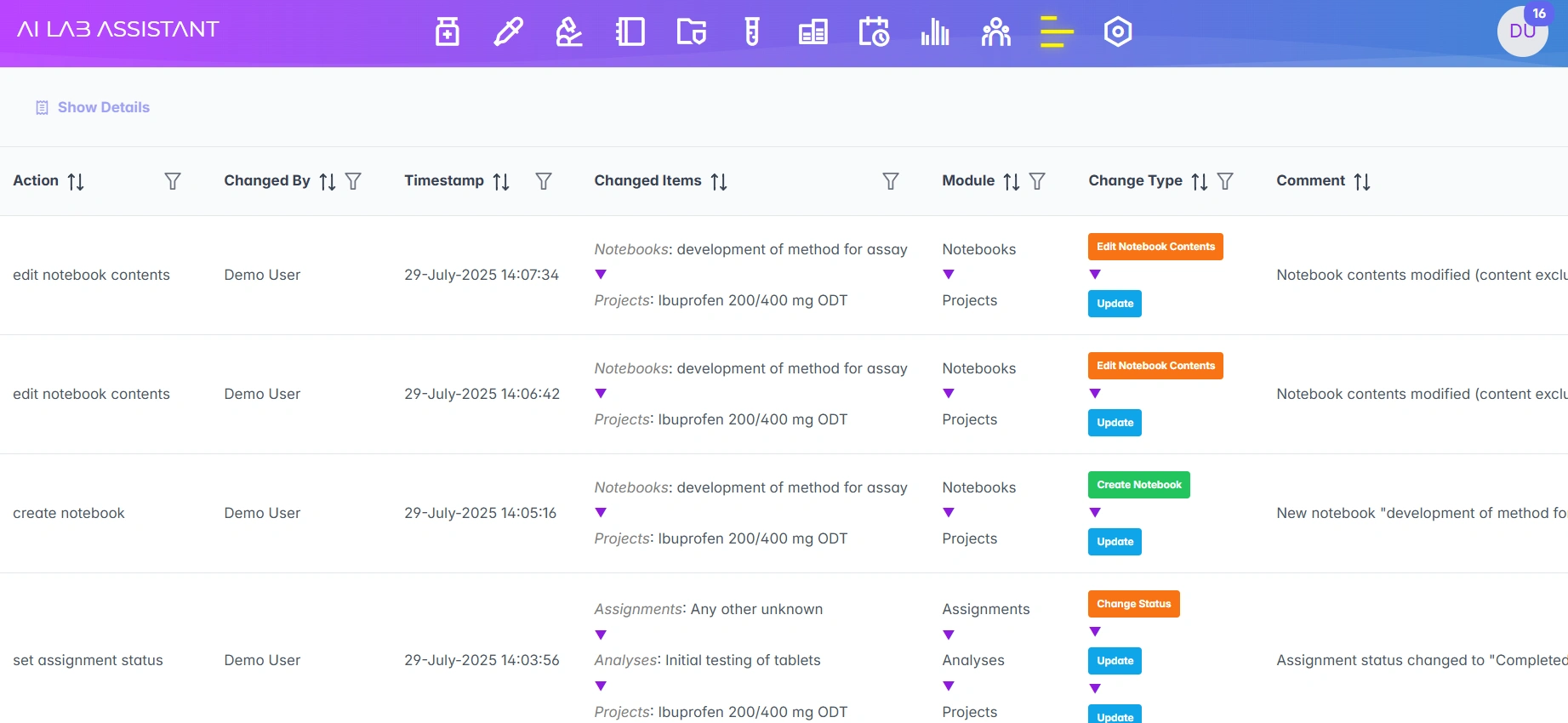
Audit trail interface in AILabAssistant
Audit trail overview
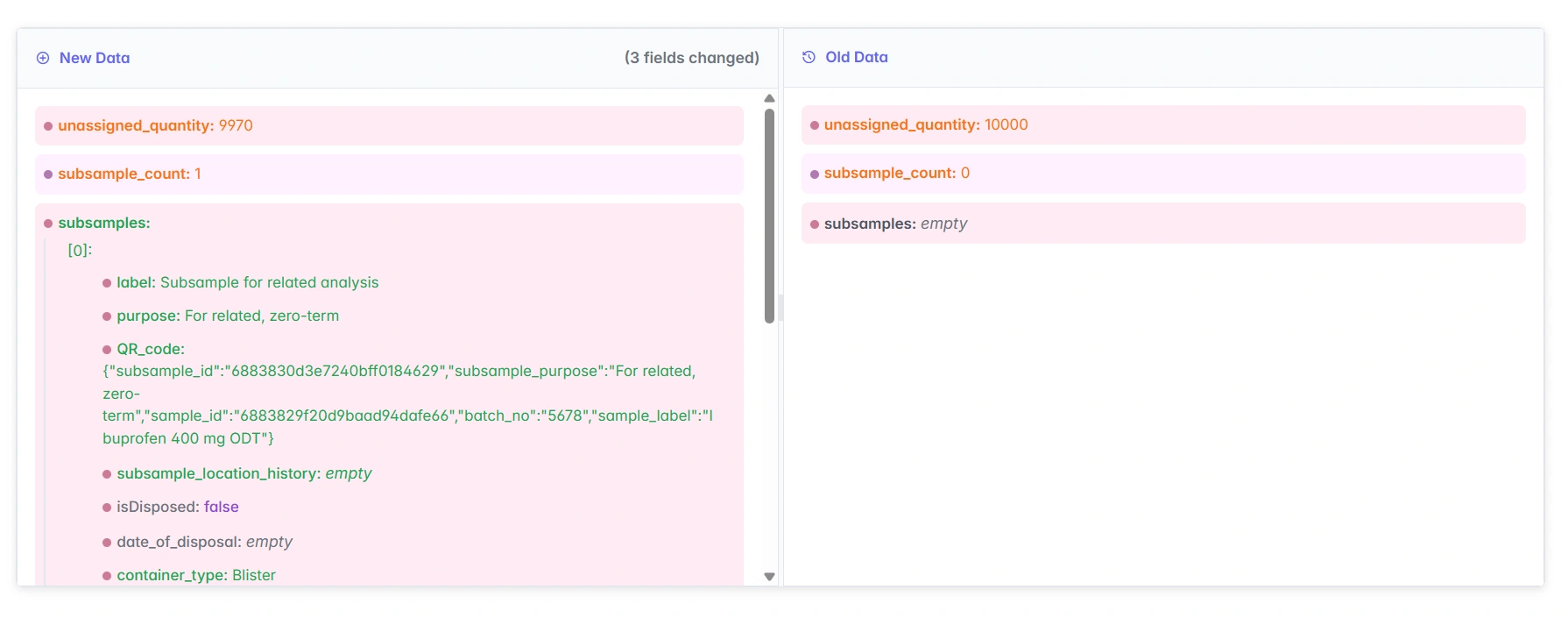
Audit trail detail view in AILabAssistant
Detailed change history & e-signatures
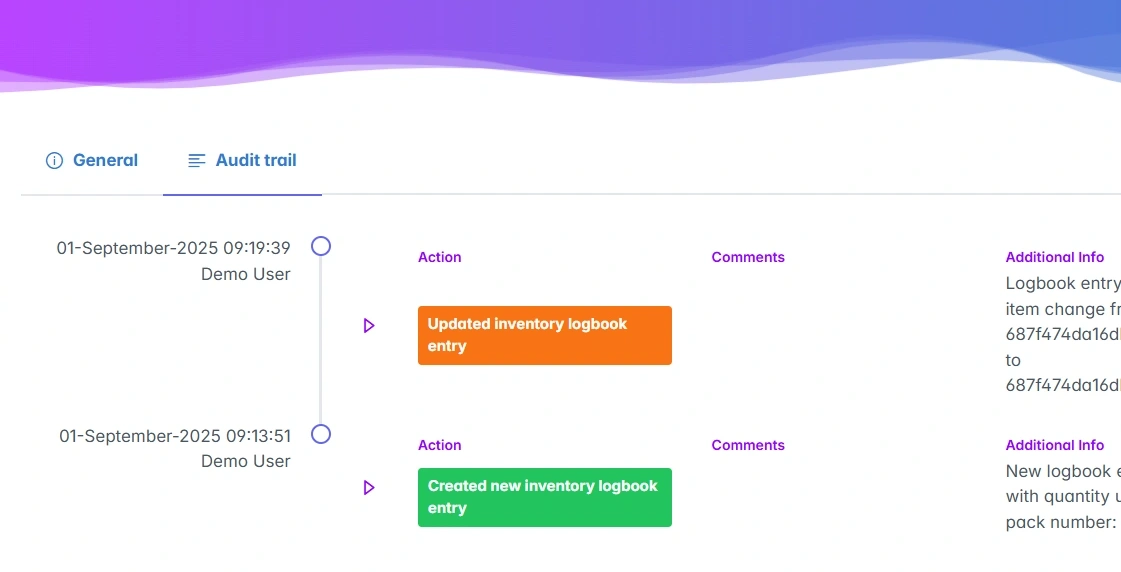
Digital logbook with audit trail in AILabAssistant
Digital logbooks, fully audited
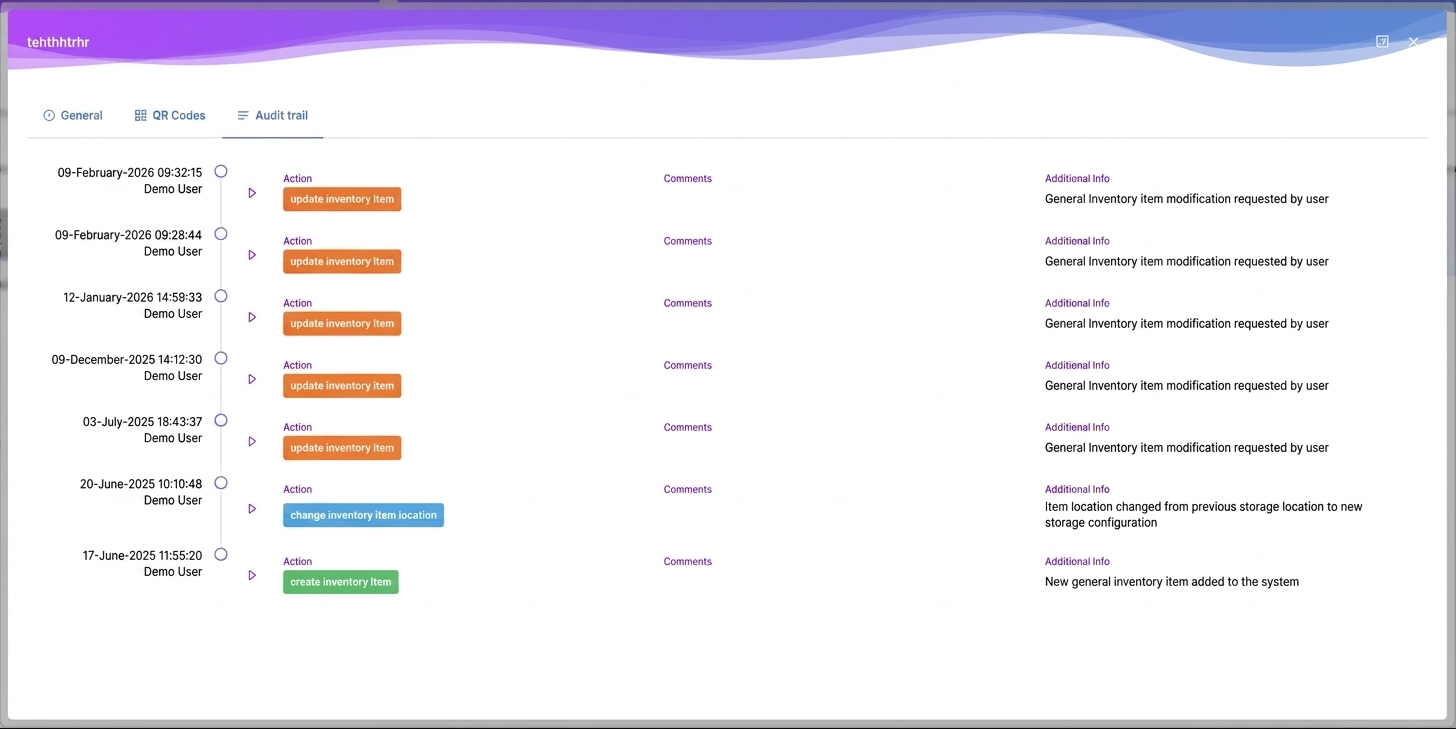
Item-level audit trail timeline showing every create, update and location change in AILabAssistant
Per-item audit trail — every action timestamped

Biotech & InSilico

Bioinformatics and in-silico tools — sequence alignment, analysis and more — integrated directly into your lab workflow.
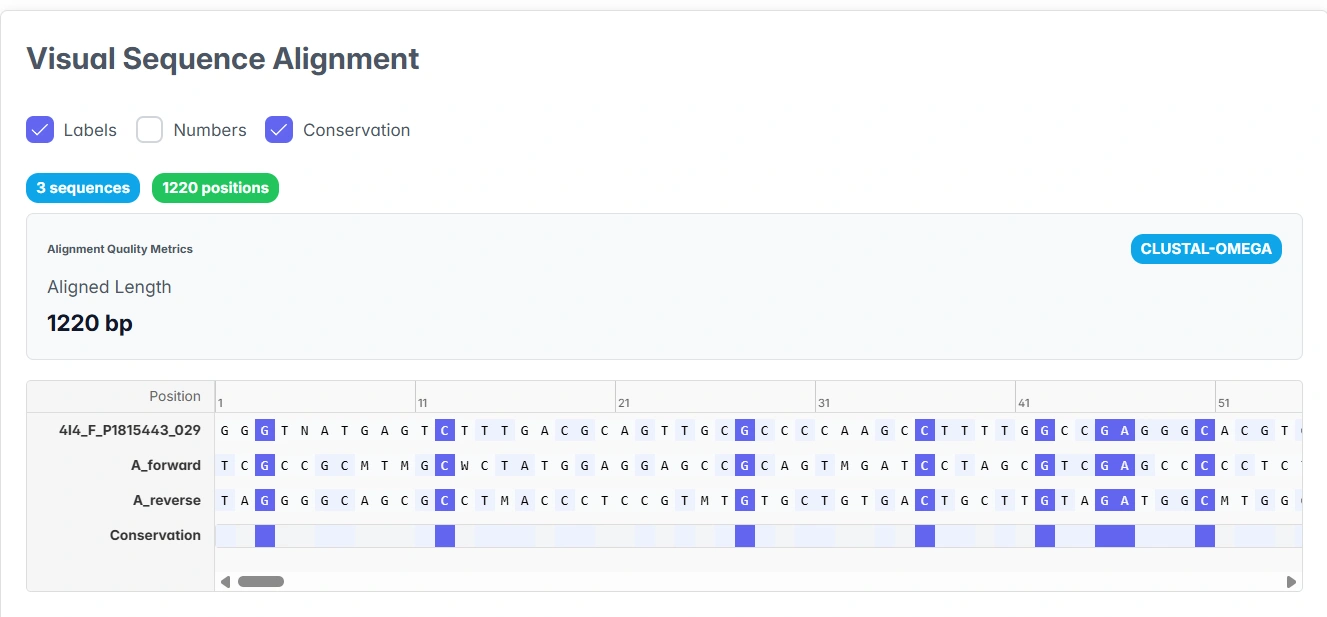
Clustal Omega multiple sequence alignment in AILabAssistant
Multiple sequence alignment (Clustal Omega)
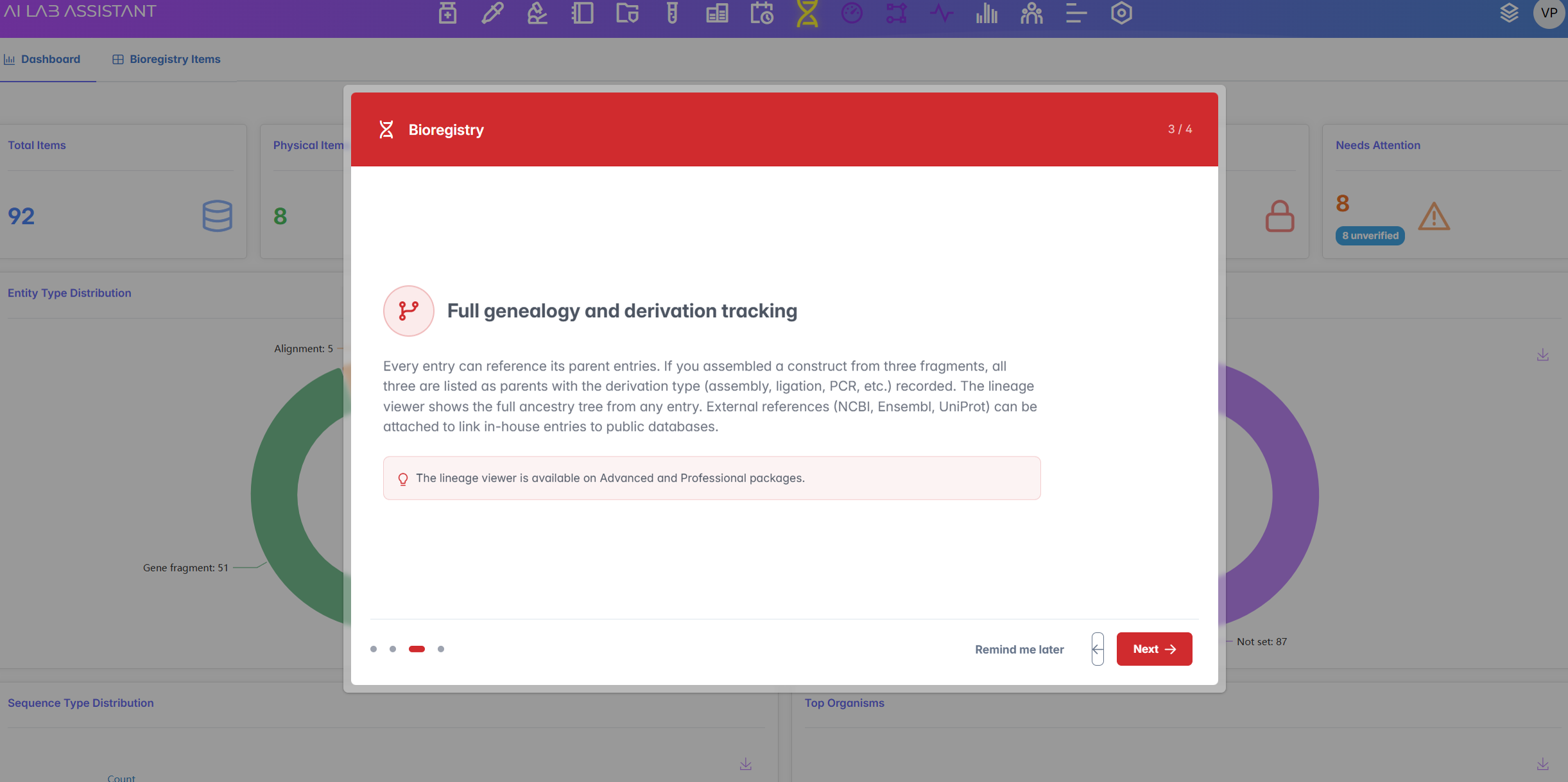
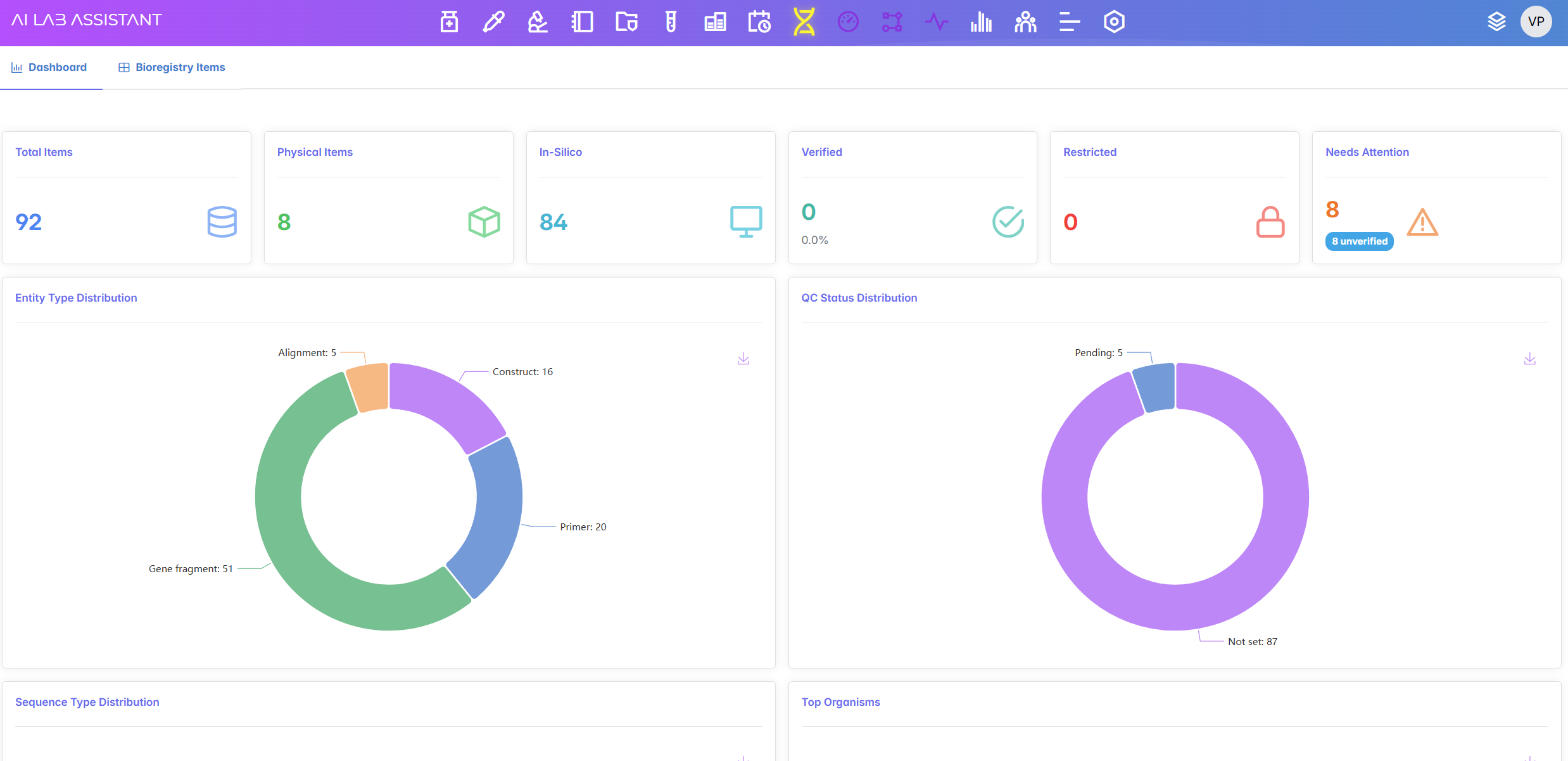
Bioregistry dashboard showing total, physical and in-silico items plus distribution charts in AILabAssistant
Bioregistry dashboard — entities & QC status
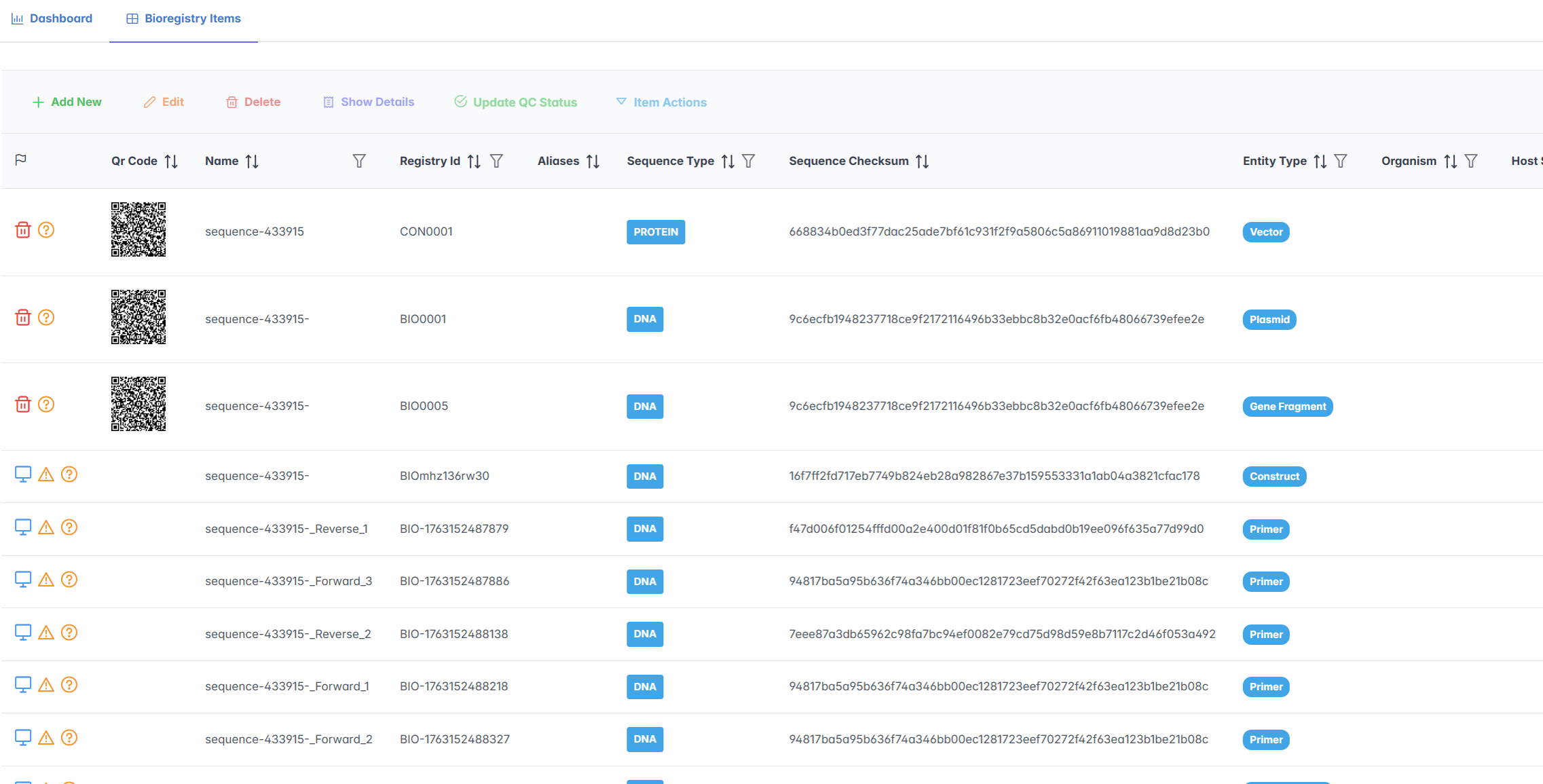
Bioregistry items list showing QR codes, registry IDs, sequence type and checksums in AILabAssistant
Bioregistry entries — sequences & check sums
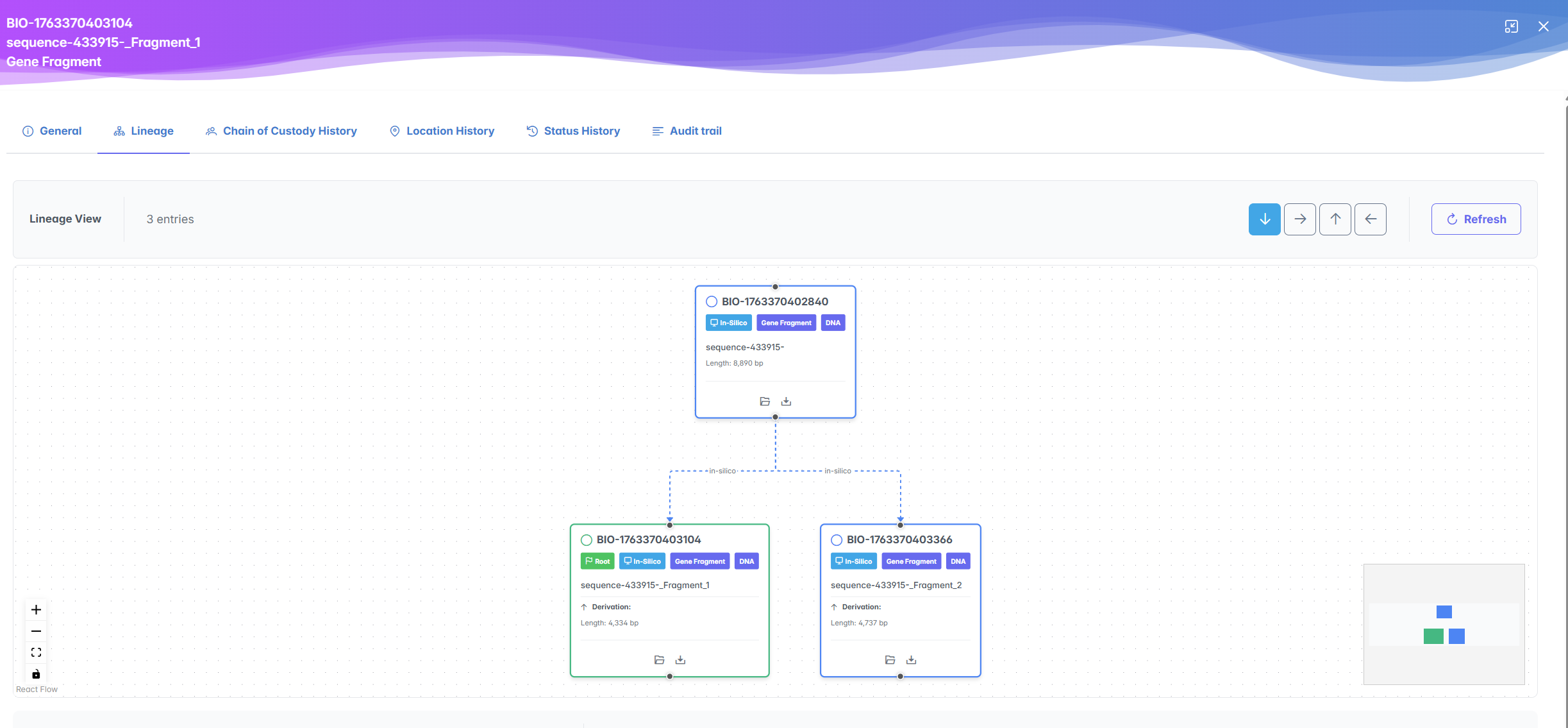
Lineage and derivation tracking view for an in-silico gene fragment in AILabAssistant
Full lineage & chain-of-custody per entry

Administration, Roles & Setup

Configure your lab account — roles and granular permissions, custom lists, regional settings and a guided first-time setup.
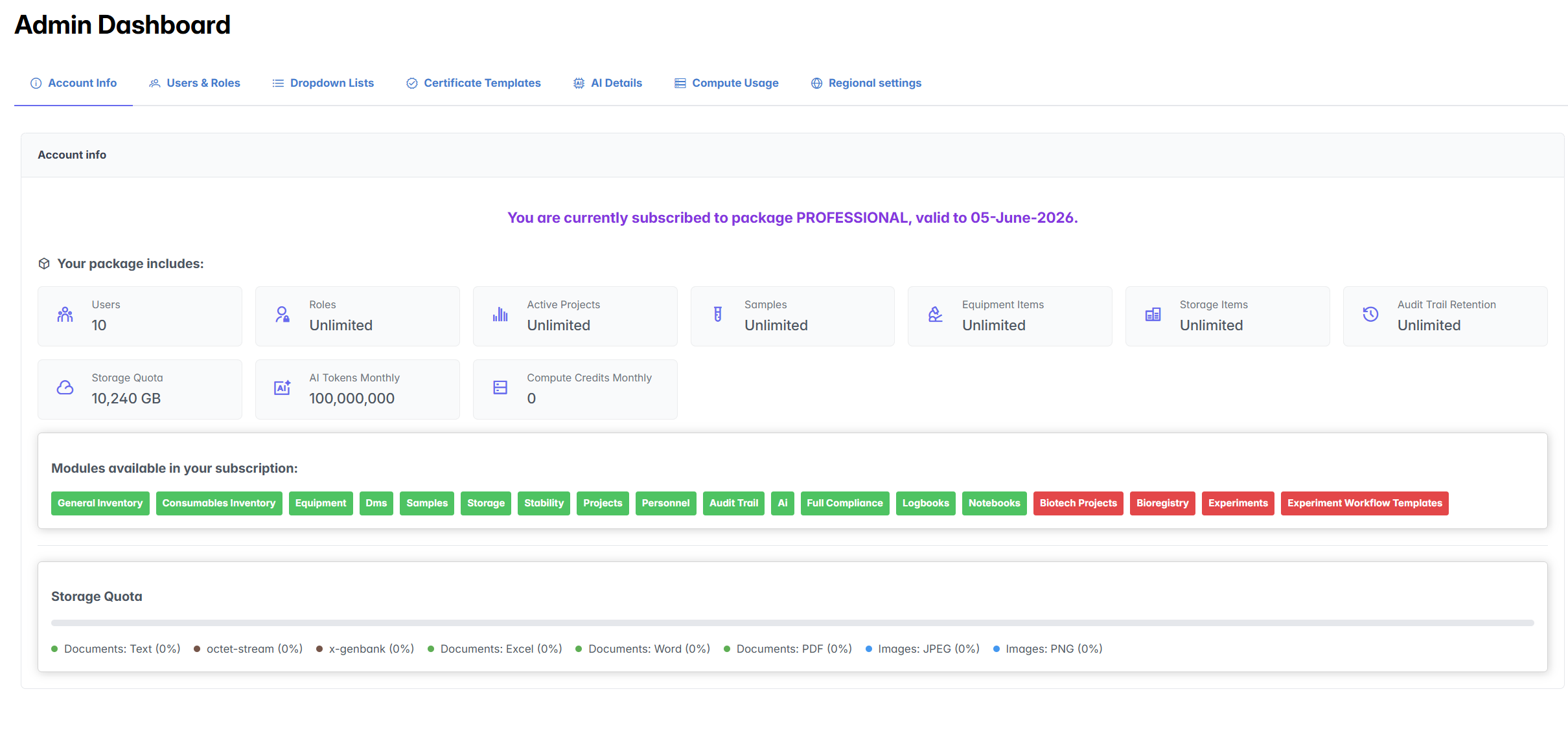
Account information panel showing subscription package, enabled modules and storage quota in AILabAssistant
Account & subscription overview
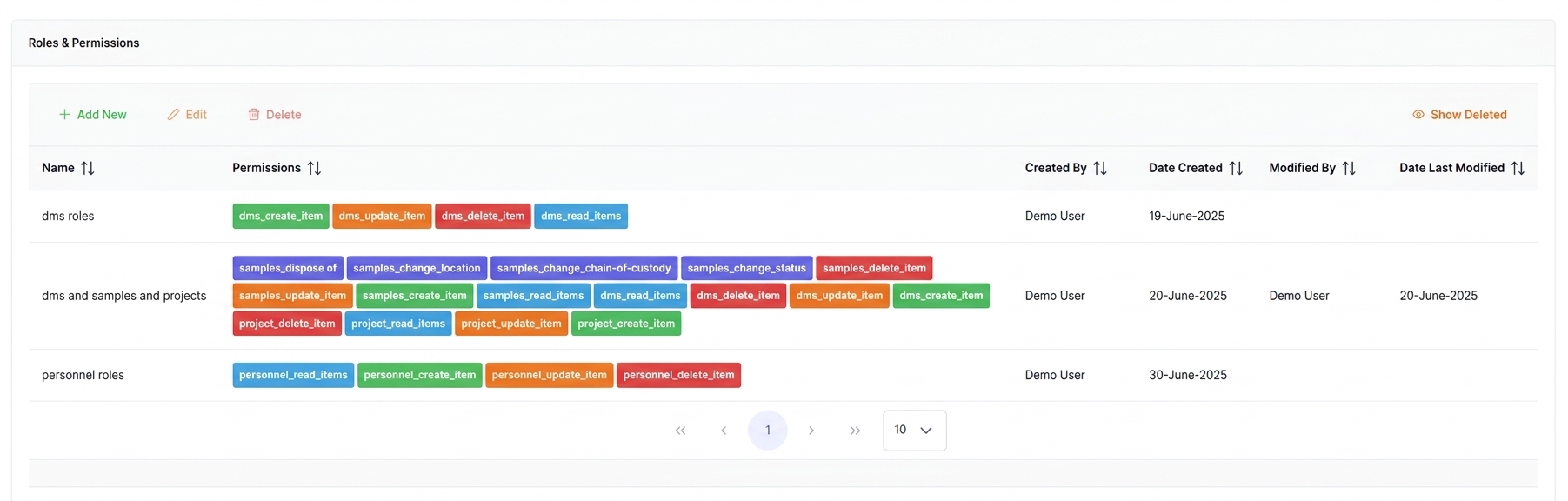
Roles and permissions list showing fine-grained per-module permission chips in AILabAssistant
Fine-grained roles & permissions
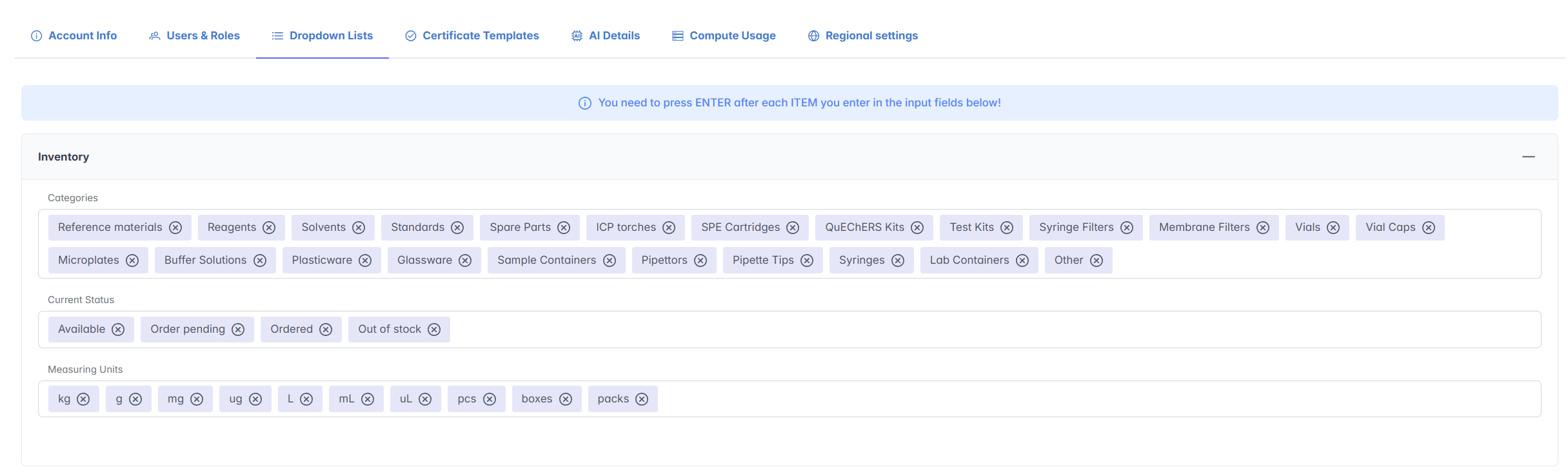
Custom dropdown list settings for inventory categories, current status and measuring units in AILabAssistant
Custom lists — categories, statuses & units
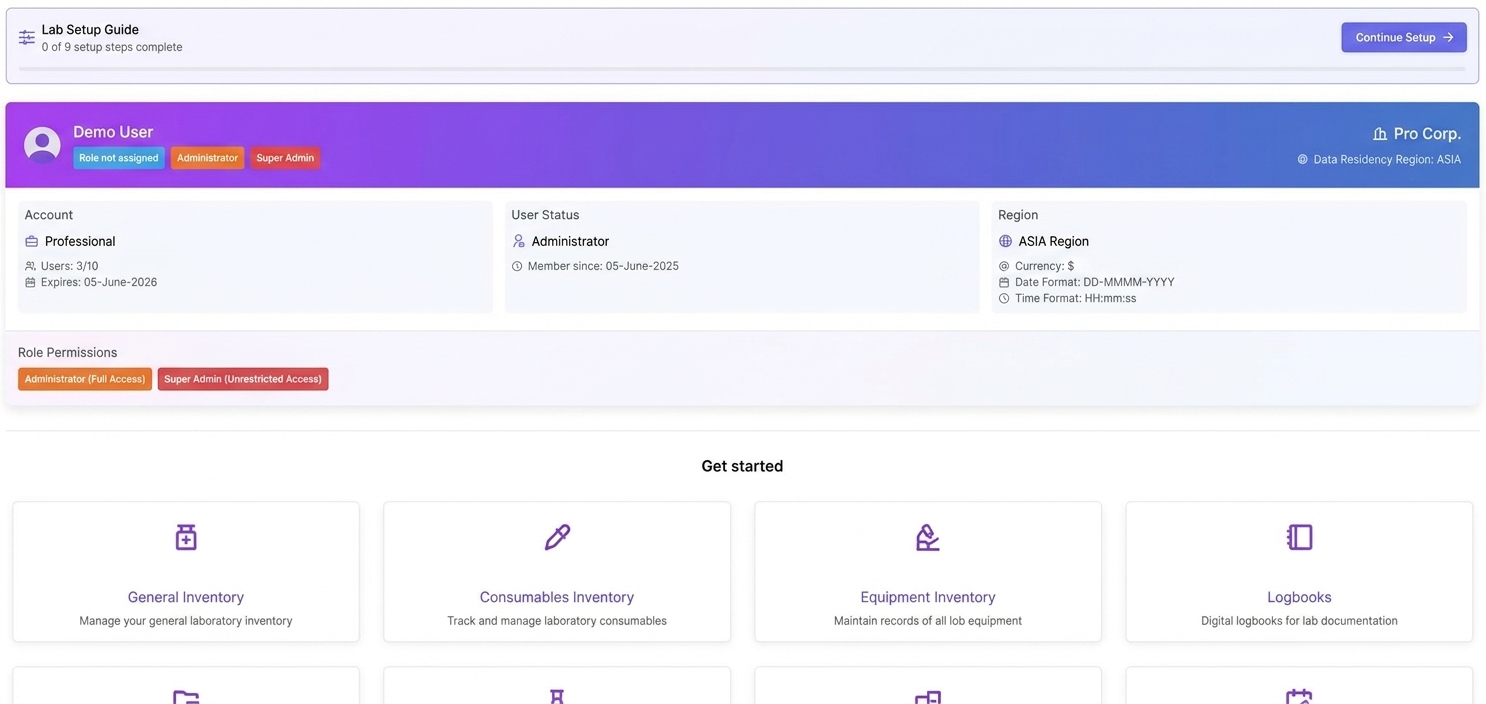
Lab setup overview showing user roles, regional settings and get started module shortcuts in AILabAssistant
Main AILabAssistant Dashboard
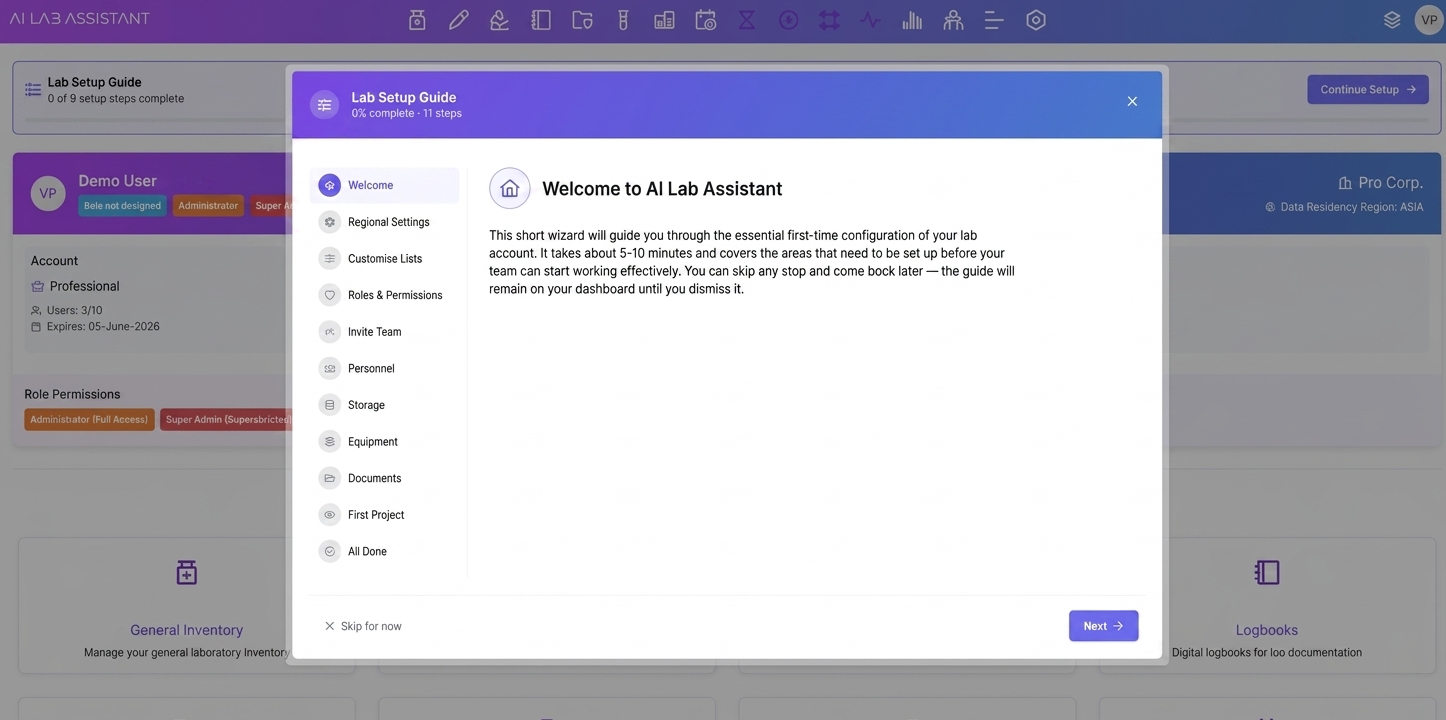
First-time lab setup wizard showing the list of configuration steps in AILabAssistant
Step-by-step onboarding wizard